
Woo Casino App for iOS and Android
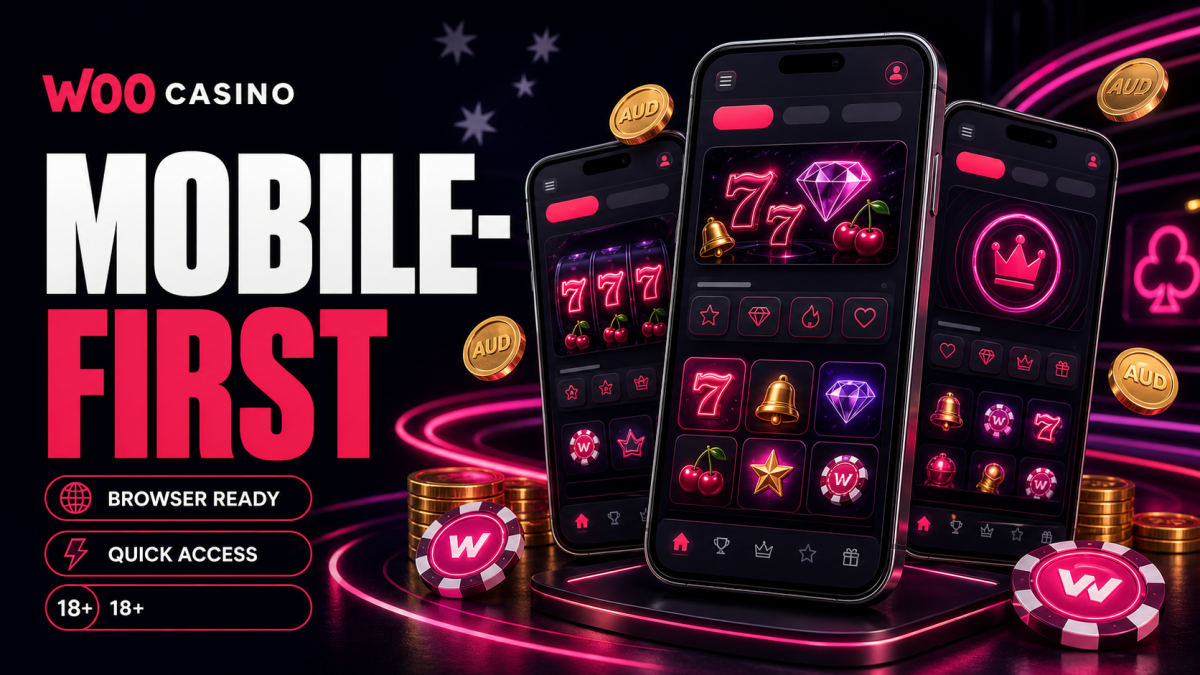
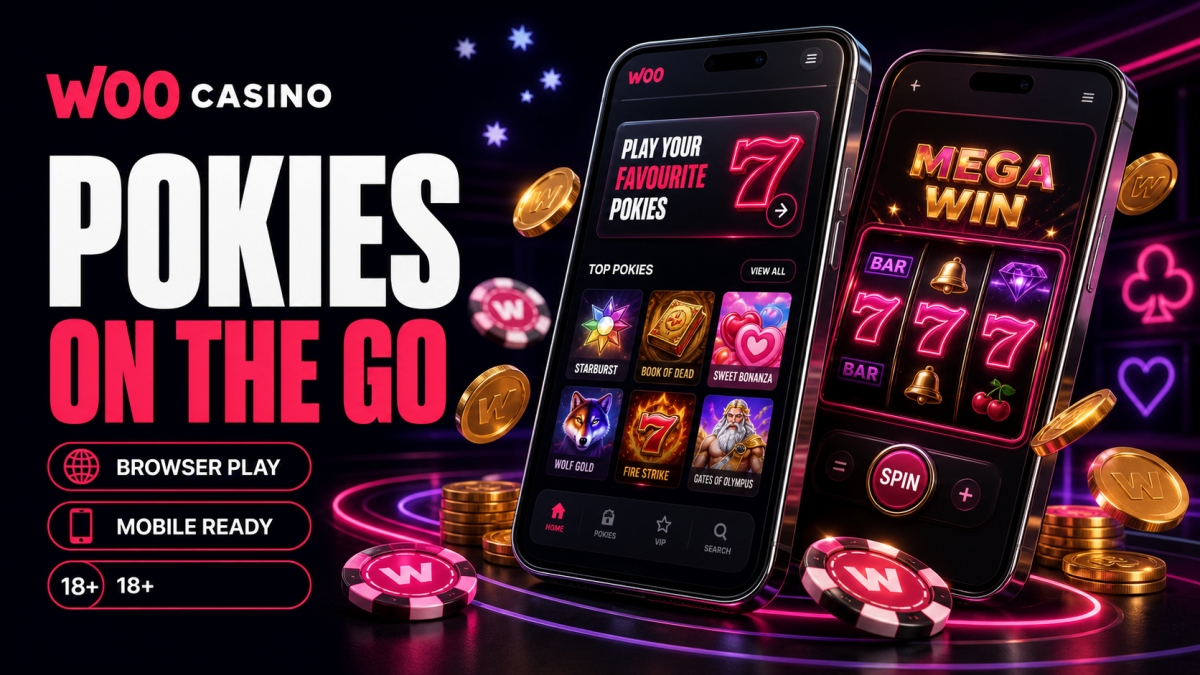
Woo runs from your phone the same way it runs on a desktop, only it travels with you. Open the lobby in your mobile browser, sign in, and the full library of 2,000+ pokies, live dealer tables and the cashier loads on the screen in your pocket. There is no native file to chase down on the App Store or Google Play, and no APK to sideload. The casino works as a mobile-optimised site you can pin to your home screen for an app-style launch, and that home-screen shortcut covers everything an installed app would.
Playing on iPhone and iPad
iOS members open Safari, head to the casino, and log in as normal. To get the app-style tile, tap the Share button, then Add to Home Screen. The icon that lands on your screen launches Woo full-bleed, without the address bar getting in the way, so a session feels like a standalone app while running entirely through Safari. Touch ID and Face ID still autofill your saved login if your iPhone has that switched on.
Playing on Android
On Android the path mirrors iOS. Load the lobby in Chrome, open the browser menu and choose Add to Home Screen (some builds phrase it as Install). Android treats that tile as a progressive web app, so it opens in its own window. Skip any APK floating around forums or chats; the browser route gives you deposits, withdrawals, free-spin tracking and every studio in the catalogue with nothing extra to install.
Which Route Suits Your Device
All four options land on the same lobby and the same account. The differences are about convenience, not features, so pick the one that matches how often you play.
| Route | Best for | Check first |
|---|---|---|
| iOS browser (Safari) | Quick sessions on iPhone, no setup | Latest iOS, Safari permitted to save logins |
| Android browser (Chrome) | Fast access on any Android handset | Chrome updated, pop-ups allowed for game windows |
| App-style home screen | Regular players who want a one-tap launch | Added via Share or browser menu, not a store |
| Tablet (iPad or Android) | Live dealer and big-reel pokies on a larger screen | Stable Wi-Fi, landscape mode for live tables |
Mobile Browser, Start to Finish
The browser route asks nothing of your storage. Visit the casino, sign in through the account area, and you are straight into a touch-friendly lobby. Search pulls up Gates of Olympus, Sweet Bonanza or Wolf Gold in a tap, and the welcome free spins on Wolf Gold drip in at 25 a day if you have claimed the first-deposit offer. Deposits clear from $25 to trigger a bonus, PayID and cards sit a thumb away in the cashier, and crypto withdrawals can land within minutes to a few hours after a request is approved.
Worth Checking Before a Longer Session
A few habits keep mobile play smooth, especially on a phone you carry between Wi-Fi and mobile data.
- Use a steady connection. Live dealer rooms by Evolution lean on a stable signal more than spinning a pokie does.
- Keep your account email handy. A withdrawal can prompt KYC, and verification documents are easier to send from the same device.
- Confirm your deposit method is one you own. The card or wallet must belong to the account holder.
- Watch the bonus clock. Bonus funds carry 40x wagering and a 14-day window, with a $6.50 cap on bets while one is active.
- Update your browser. The newest Safari and Chrome render the lobby cleanest and autofill logins without fuss.
Support and Safer Play on Mobile
If something stalls mid-session, 24/7 live chat is built into the same mobile screen, and email backs it up with replies usually inside 24 to 48 hours. Set deposit or session limits from the account area before a big weekend of play. Woo is strictly 18+, and if the fun stops being fun, Gambling Help Online runs the National Gambling Helpline on 1800 858 858, free and confidential, any hour of the day.